 QuadStick
 One record per client, across every visit.
A proposed workspace for capabilities, profile history and next steps, together in one place.
Clinic is a product concept, not a released service. The feature set, privacy and security approach, availability, and pricing shown here are proposals and may change. No production Clinic service or client-record storage is provided by this page. Do not enter patient information.
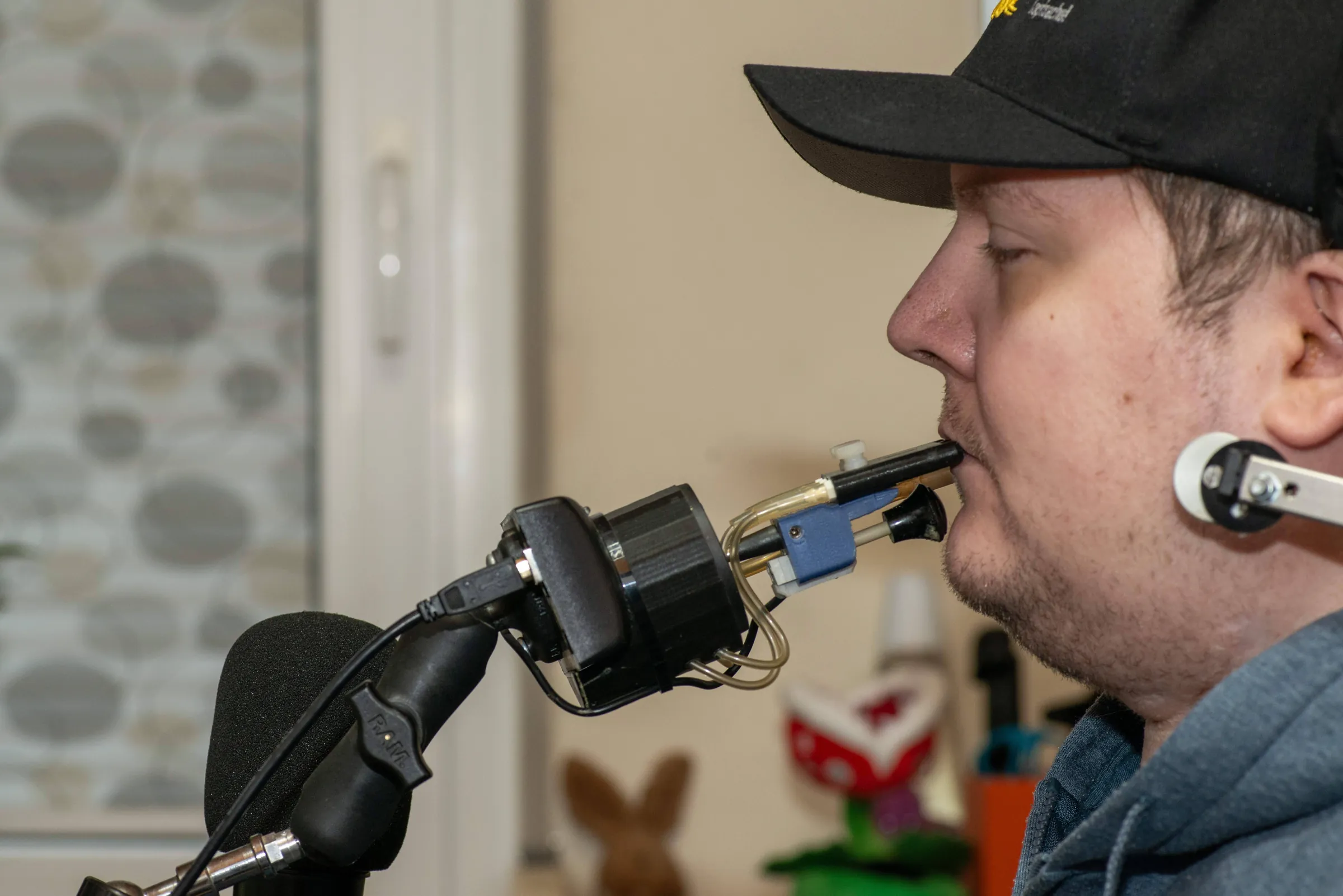
Photo: InclusiveGameLab, CC BY-SA 4.0






Organisations working in adaptive gaming and rehabilitation.
Your caseload, open.
Interactive concept demo. All client names, clinical details, profile settings, and notes are fictional. The preview runs in this page only; edits reset when you reload and are not saved or sent. Please do not enter patient information.
Invented clients and notes. Faces made by this-person-does-not-exist.com, not real people.
The profile is only half the story.
The free app makes a good setup. The proposed Clinic workflow would keep context about why it works and what changed, so a later appointment can start with that history.
Client history, in order.
A proposed timeline for visits, notes, changes and saved profiles. The concept is intended to make it easier to see which CSV was in use.
- Visit notes and profile snapshots by date
- What changed between two appointments
- Records you can export from your own folder
The person, not just the mapping.
The concept places capabilities, preferences and goals beside the technical setup, so the reason for a binding can stay with the record.
Patterns across a caseload.
The proposed workflow would let a clinician compare profile changes with access needs, goals and recorded outcomes. Similarity is context for a clinician's judgment, not a recommendation or a prediction.
The editor your clients already use.
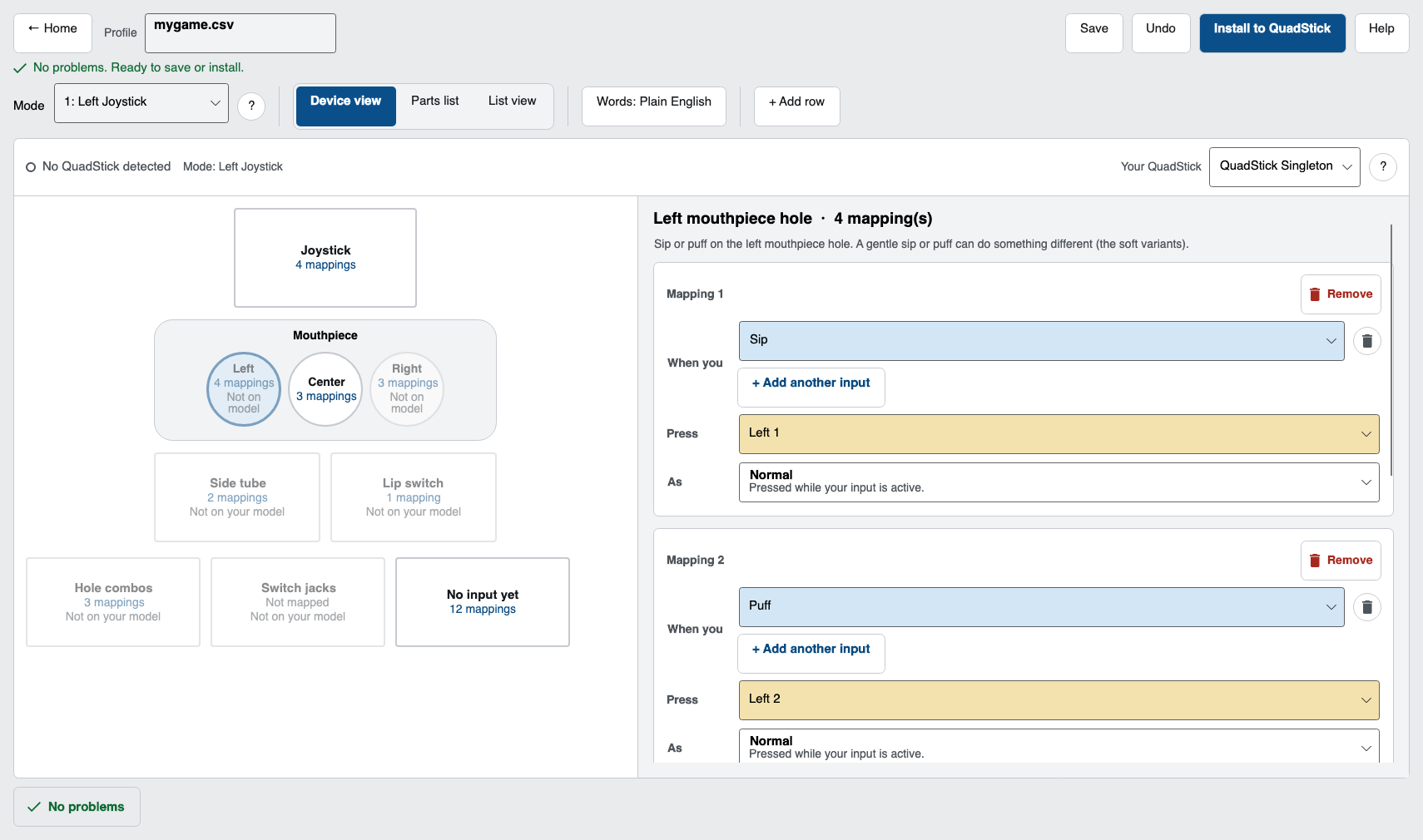
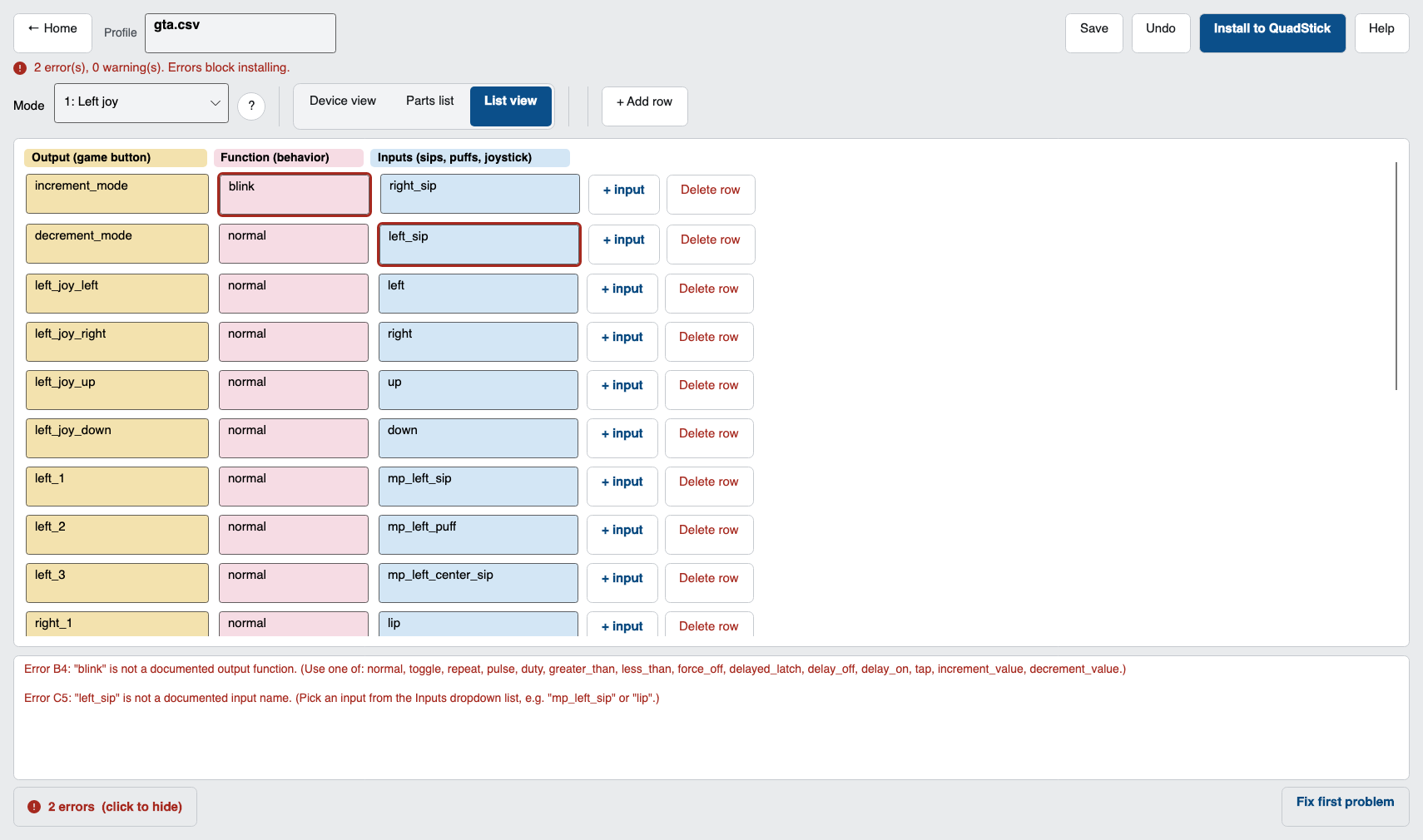
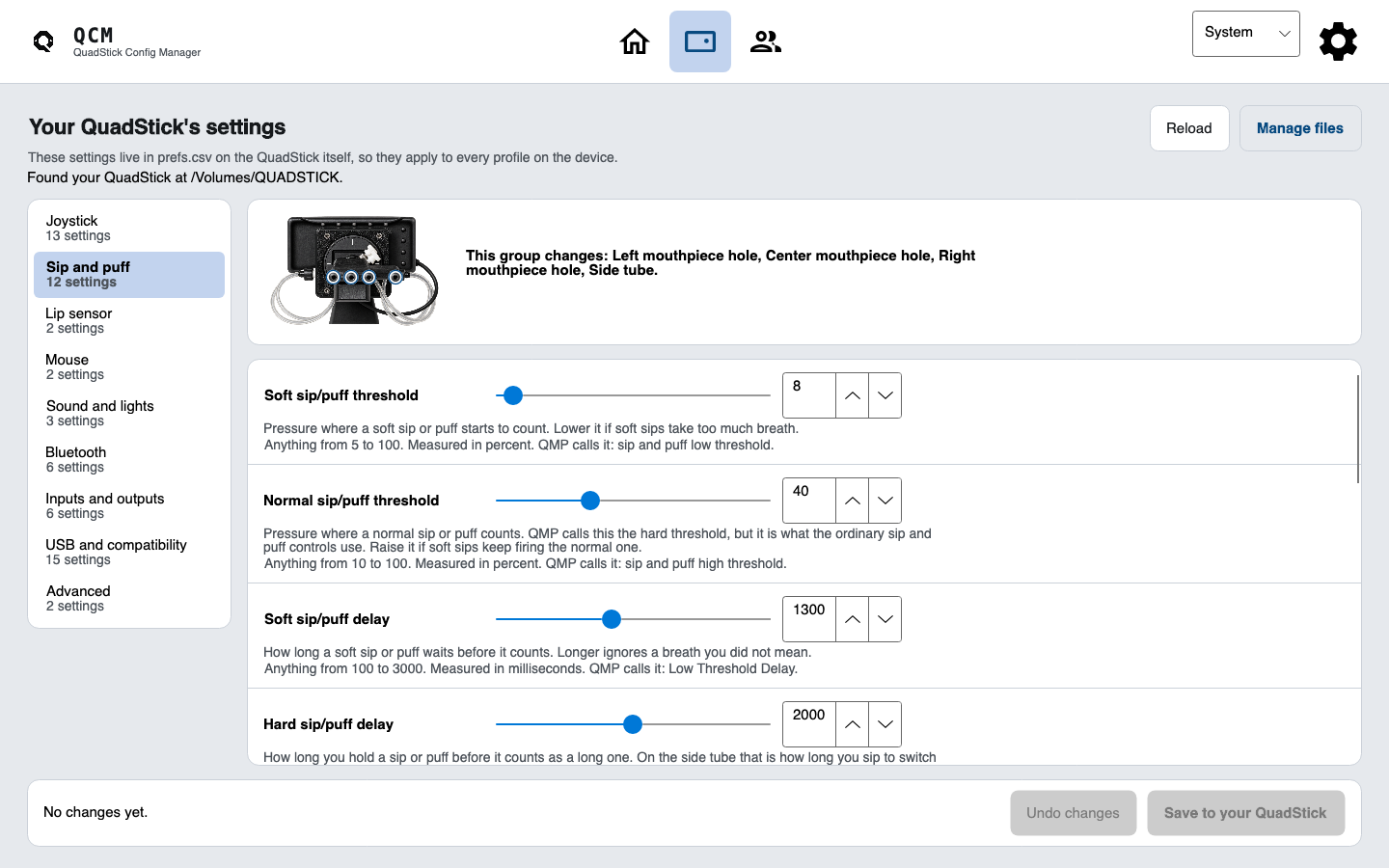
The concept builds on the free QuadStick Config Manager's device view and plain-English checks, with a client record associated with changes in the proposed workflow.
Professional where it counts.
Clear records and careful boundaries, with the storage and privacy details still open.
Local-first concept
The proposed design is based on a clinician-chosen local folder, without a pooled patient database. Its final storage, account, security and privacy details have not been implemented or verified.
One roster per clinician
Simple ownership keeps the first version understandable, instead of pretending offline files are a live team system.
Possible paid workflow
The current concept pairs the free editor with a potential paid caseload layer. Availability and pricing have not been set.
Bring the hard part to the table.
Tell me what your team is trying to make easier. I will show you the workflow and help you decide whether Clinic fits.